See a 2-star review before Google does. Answer every Google review with AI custom replies.
Unlike a basic Google QR, Track.Reviews captures the customer experience first, gives every customer the same path to Google, and shows you what happened afterwards.
- Your own permanent Review QR
- Same Google option for every rating
- Feedback and Google reviews in one dashboard
- Free plan with no credit card
Find your business on Google
We'll find your public listing and connect the right Google review page. No Google login required.
This sets up review collection for a business you own or work at. Track Reviews is an independent tool, not Google — you can't leave a review for a business here.
Ready in under a minute · Free plan · No credit card · Your QR stays active
- No credit card
- No Google password required
- Ready to print
- Your QR stays active
One QR. Three Simple Steps.
Create Your Review QR
Find your business, connect your public Google Business Profile and create a permanent Track.Reviews QR for your location. Download it, print it or display it wherever customers complete their experience.
Customers Share and Continue to Google
Customers scan your QR and can share a quick rating with optional private feedback. They are then given a simple option to continue to your Google review page. Every customer receives the same Google option, regardless of their rating.
Monitor Everything in Your Dashboard
See QR activity and private customer feedback in your Track.Reviews dashboard. Connected Google reviews are also synced and monitored separately, helping you identify new reviews, trends and actions that need attention.
Free Basic plan · One location · Permanent Review QR · No credit card
Your 60-day Smart trial begins with your first genuine customer interaction and unlocks enhanced Google review monitoring, insights and action tools.
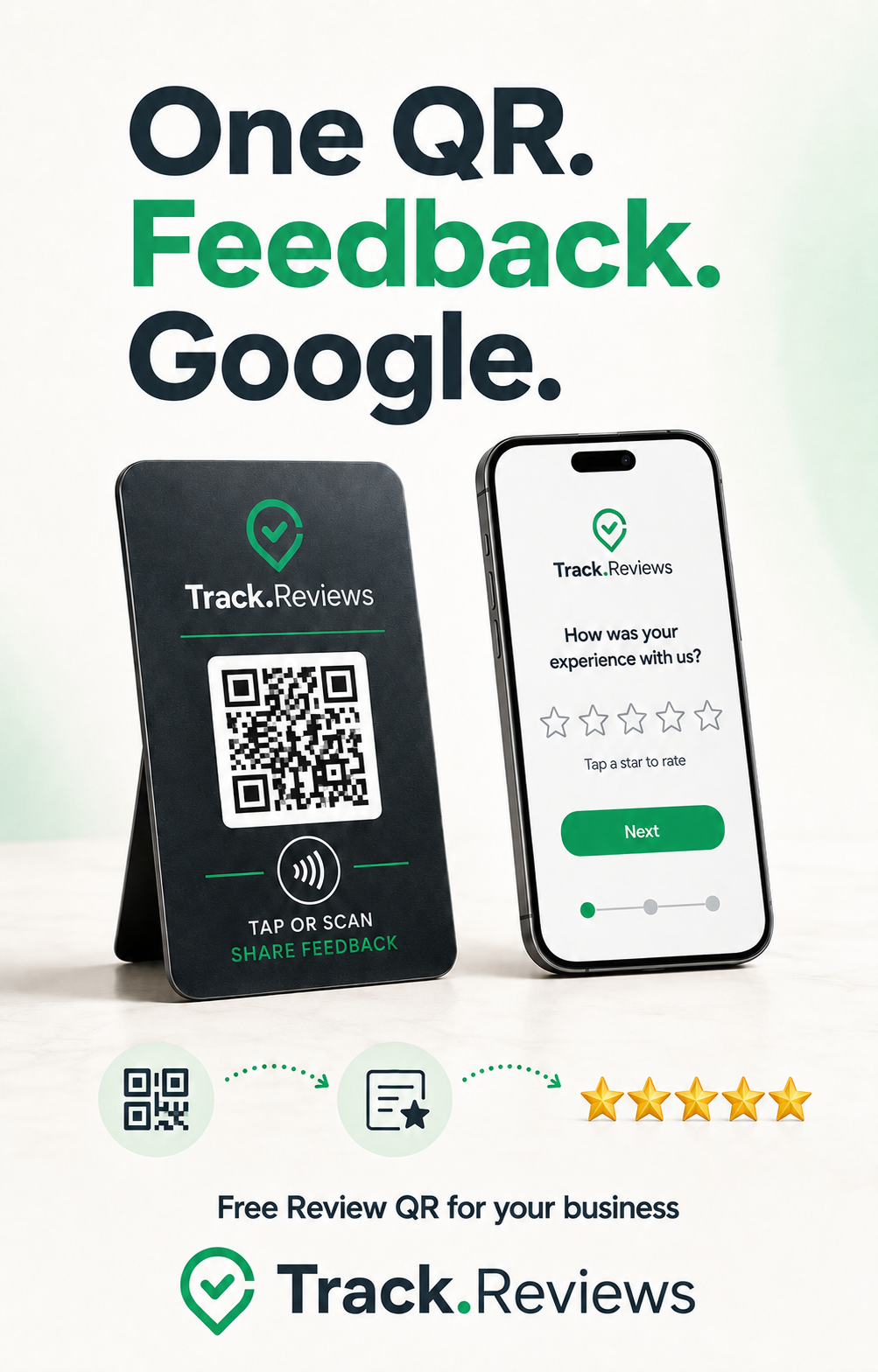
Keep the customer relationship — not just the QR code
First-party feedback collected directly for your business, with the same path to Google for every customer. Start for free — when your first real customer uses your QR, your 60-day Smart trial begins automatically.
Collect ratings and optional written customer feedback.
See customer feedback, trends and insights that help you understand what customers are experiencing.
Follow up customer issues and monitor Google reviews that need attention.
60 days of Smart · Starts on your first real customer interaction · No credit card required
After the trial, stay on the free Basic plan or choose a Smart plan.
Common questions
- How is this different from a plain Google review QR code?
- A plain QR sends the customer straight to Google, so if they don't finish you learn nothing. A Track Reviews QR captures their rating and any written feedback first, then gives them the same option to continue to Google — so you keep the feedback either way. Google reviews are synced and monitored separately in your dashboard; we never filter public reviews or claim a specific review came from a specific scan.
- Is it really free?
- Yes. Your QR stays active on the free Basic plan with one location and unlimited feedback capture. When your first real customer uses it, your 60-day Smart trial begins — no credit card required. After the trial, stay on Basic or choose a Smart plan.
- Do you need access to my Google account?
- No. We look up your public Google business listing to connect the correct review destination. No Google login or password is required.
- What if I don't have a Google business listing?
- You can still create a Track Reviews QR and collect customer feedback, then connect a Google review destination later.
Ready to create your QR?
Find your business and get started free.
Free plan available · No credit card required